Everything we do for you,in one app on your phone.

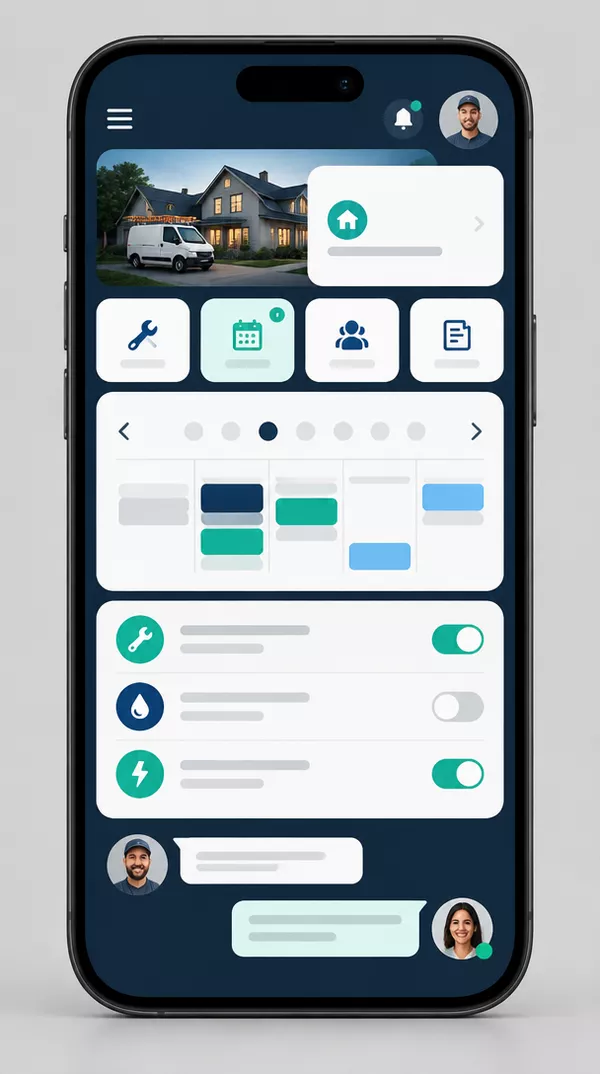
You do the work. Your app handles the rest: bookings from your AI assistant, new customer enquiries, quotes and invoices that follow up automatically, and a direct line to our team. Everything in one place on your home screen.

  • Included with every plan
  • iPhone, Android and desktop
  • Connects your bookings and messages
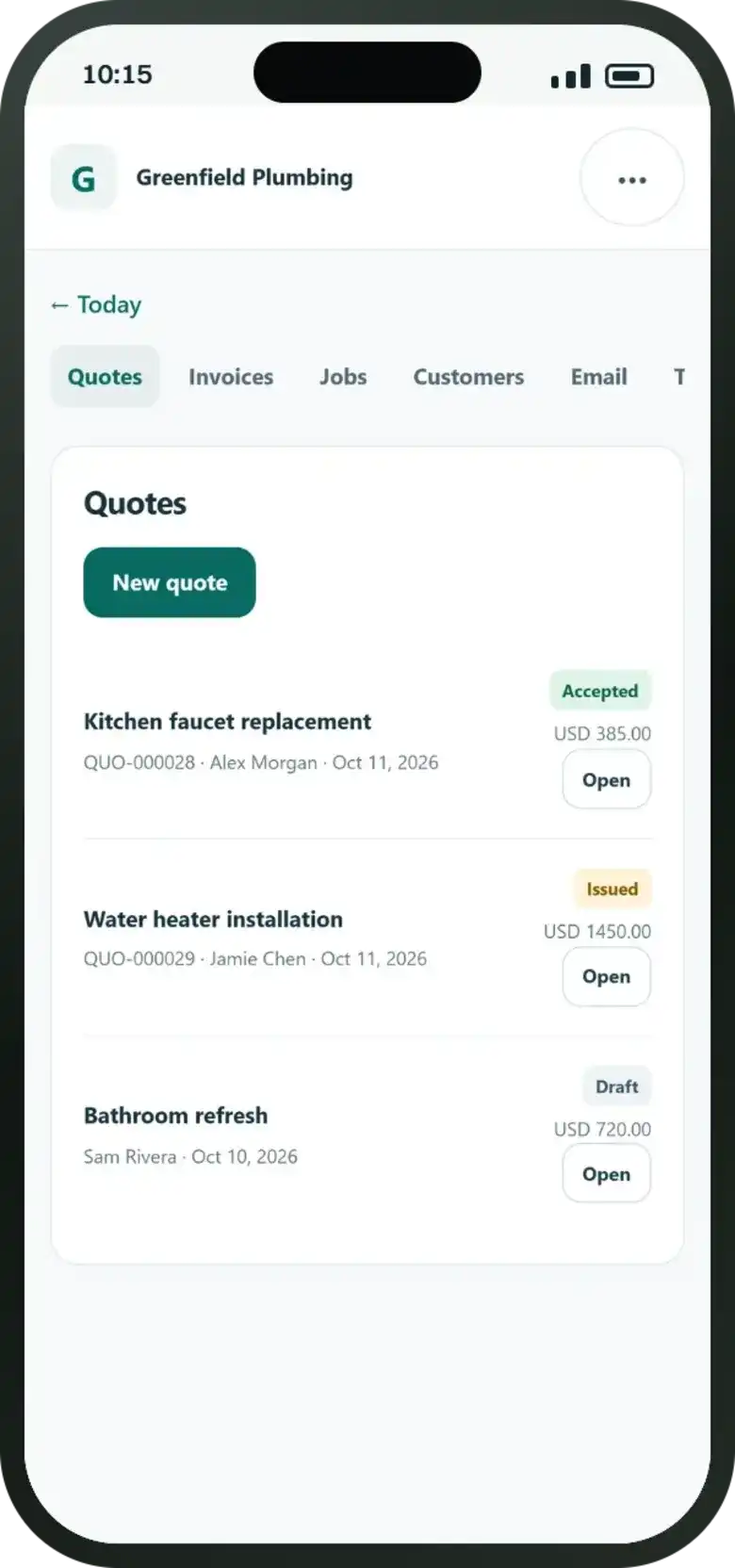
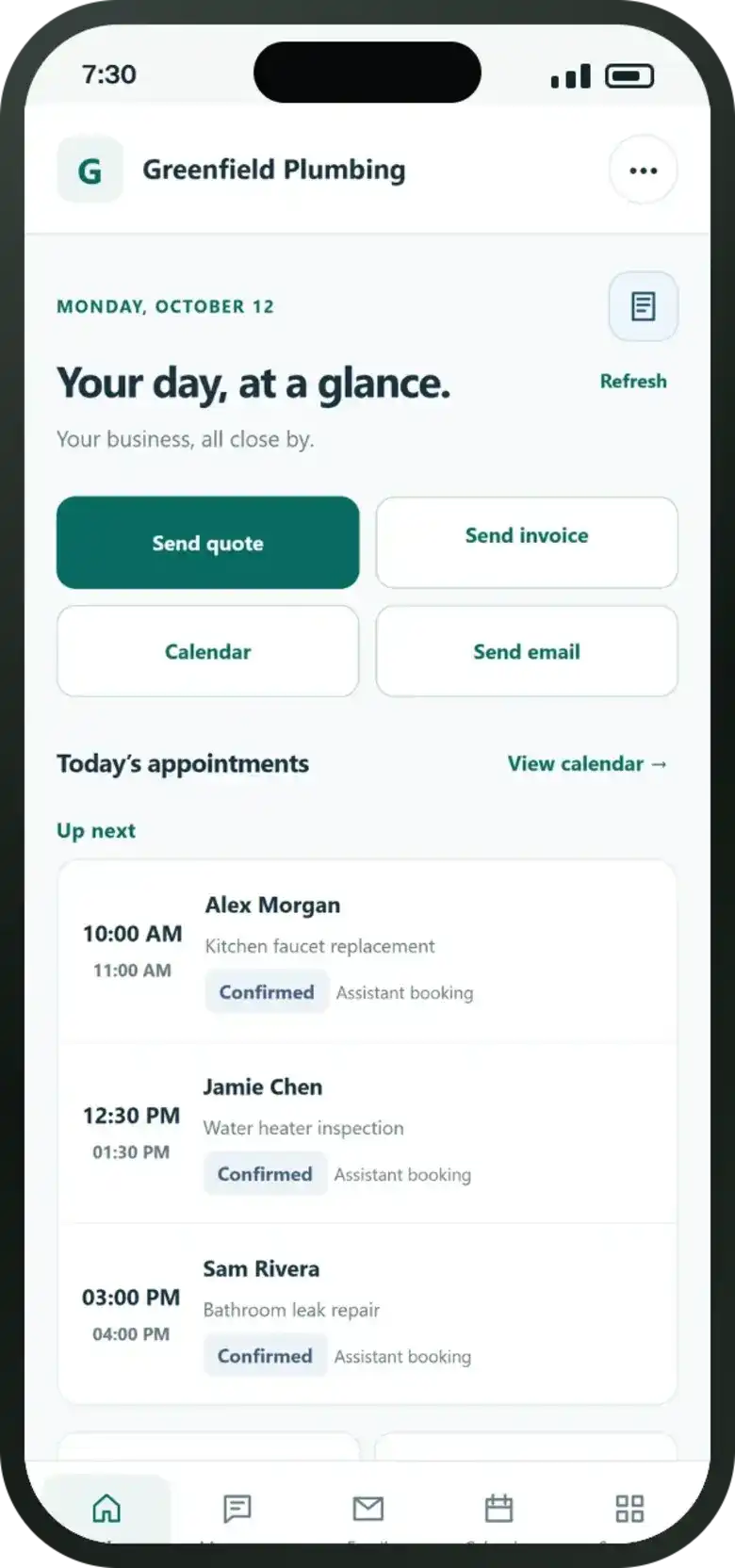
Town Thrive client mobile app interface displaying quote management for a local plumbing and heating serviceTown Thrive client mobile app daily schedule screen showing booked jobs and customer appointments
New bookingTue 10:00 AM · by your AI assistant
Quote acceptedBoiler service and inspection

A working day

A day withyour client app.

See how the Town Thrive client app runs alongside an ordinary Monday for a local service business. From morning booking alerts to AI call summaries and instant quotes, everything stays in one place.

Sample business dataReal app screensIncluded with every plan

Before the first job

Know what’s happeningbefore you leave the house.

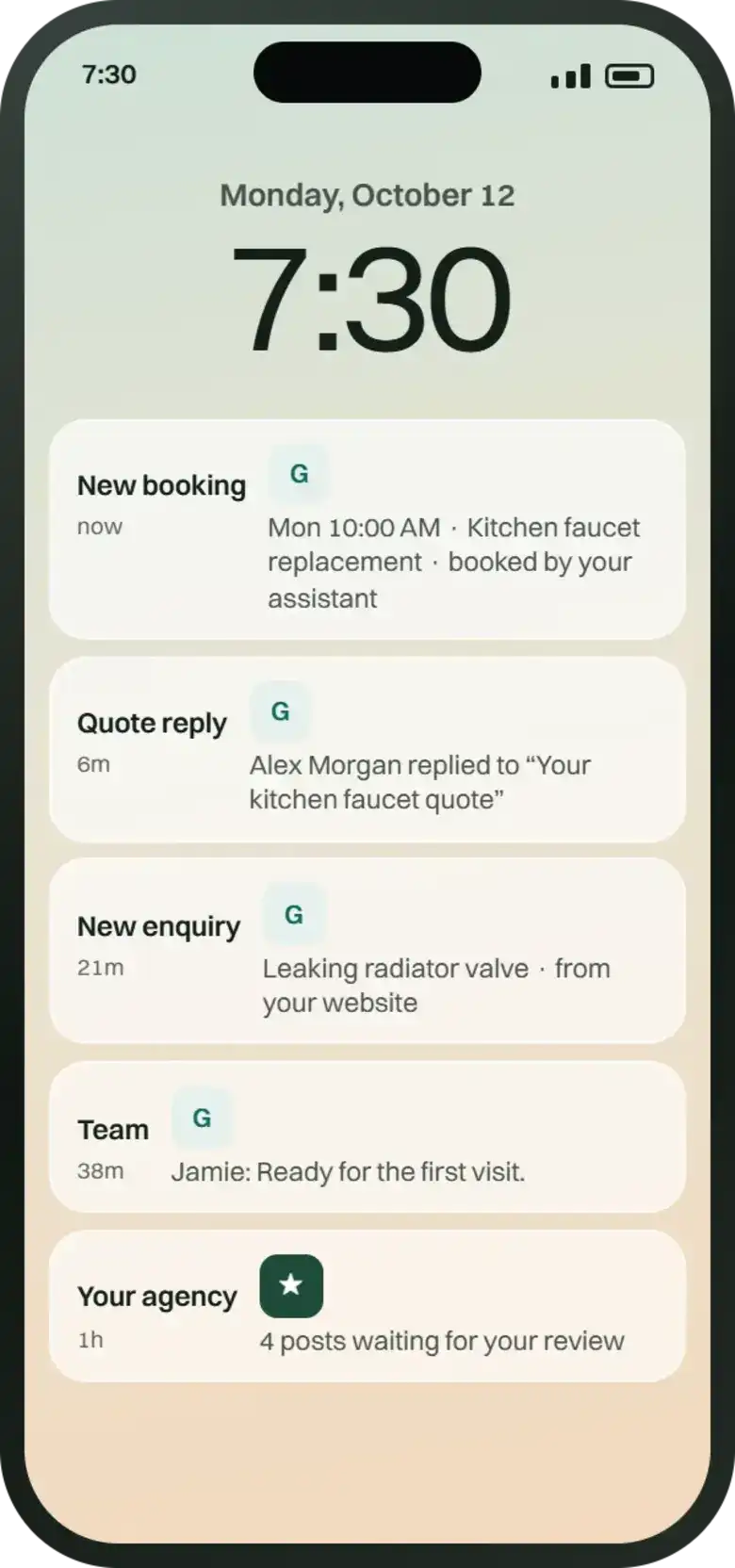
Bookings from your AI assistant, replies to your quotes, new enquiries from your website, messages from our team, and social posts waiting for your approval. Each alert arrives in real time, so nothing waits until you’re back at your desk.

Smartphone screen displaying notification cards and booking alerts for a local trade service client app.

Lock screen preview · sample local trade business

What it does for you

Built for the workbetween the jobs.

The calls, quotes, reviews and messages that eat into your evenings, handled smoothly in one place.

  • Never miss a booking.

    Enquiries answered and booked straight into your calendar, even while you’re on a job.

  • No quote goes cold.

    Send quotes quickly. Friendly automated follow-ups go out until the customer replies.

  • Earn five-star reviews.

    Automatic review requests go out after every job and each review is answered promptly.

  • Look professional online.

    Consistent local social posts and branding that make your business the obvious choice.

  • Run your whole day.

    See your bookings, enquiries, messages and monthly results right in your client app.

  • 24/7 AI front desk.

    Trained AI assistants answer website chats, emails and phone calls day or night.

Take the tour

Eight screens.One calm business.

The screens you’ll use most, and exactly what each one does for your local service business. Scroll to move through them.

Today

Your whole day on one screen.

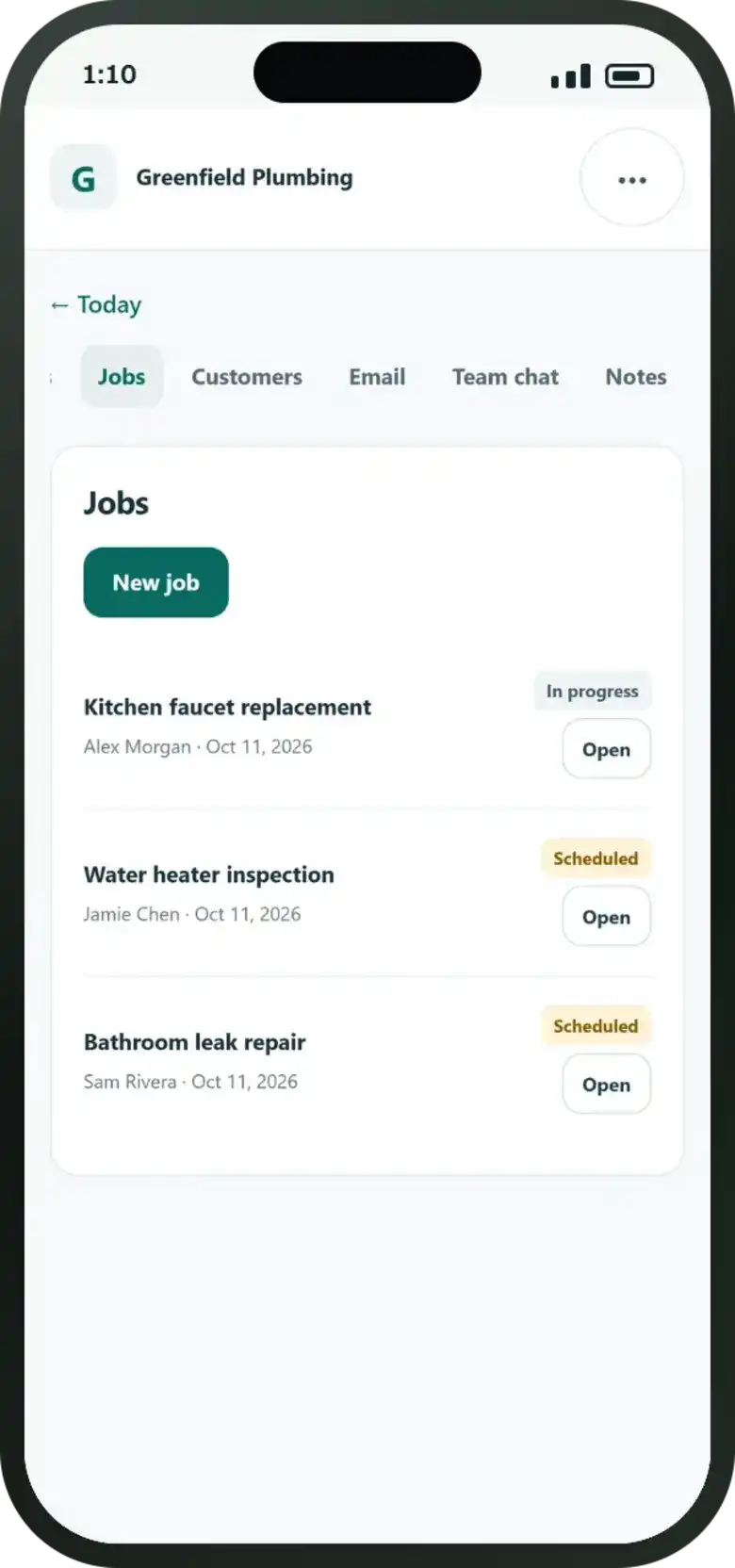
  • Visits booked by your AI assistant, clearly scheduled
  • Send a quote, an invoice or an email in a single tap
  • See who has replied to your quotes at a glance
Town Thrive client app Today screen showing scheduled customer appointments and quick action buttons on a smartphone.
Quotes

Quotes that follow up on their own.

  • Numbered and structured for trade professionals
  • Automatic, polite follow-ups until the customer replies
  • Accepted, issued and draft quotes visible immediately
Town Thrive app quote management screen displaying active quotes, draft estimates, and automated follow-up status.
Emails

Know who has answered.

  • Ready-made templates sent from your own business email
  • Waiting, Replied and Sent folders kept side by side
  • A customer reply pauses automatic follow-ups straight away

“Replied” means they answered you. It doesn’t mean they said yes, so you always know who to call.

Town Thrive mobile email dashboard showing customer responses, sent messages, and automated message threads.
Invoices

Get paid without the awkward calls.

  • Your UK bank transfer details or a payment link on every invoice
  • Automated reminders before and after the payment due date
  • Mark an invoice paid and all payment reminders stop
Town Thrive client app invoice interface displaying automated reminder schedules and payment tracking.
Enquiries

Every enquiry, with an alert.

  • Incoming leads from your website and Google in one feed
  • Reply or call back straight from the app with one tap
  • AI chats, emails and phone reception transcripts logged
Town Thrive app enquiry feed displaying new leads, incoming booking requests, and AI call summaries.
Approvals

Approve our work from anywhere.

  • Review replies, Google Business posts and social updates
  • One-tap approval or request quick adjustments
  • Upload finished job photos directly from your phone
Town Thrive app approval interface showing upcoming social media posts and Google Business updates ready for client sign-off.
Team

Your team, in step.

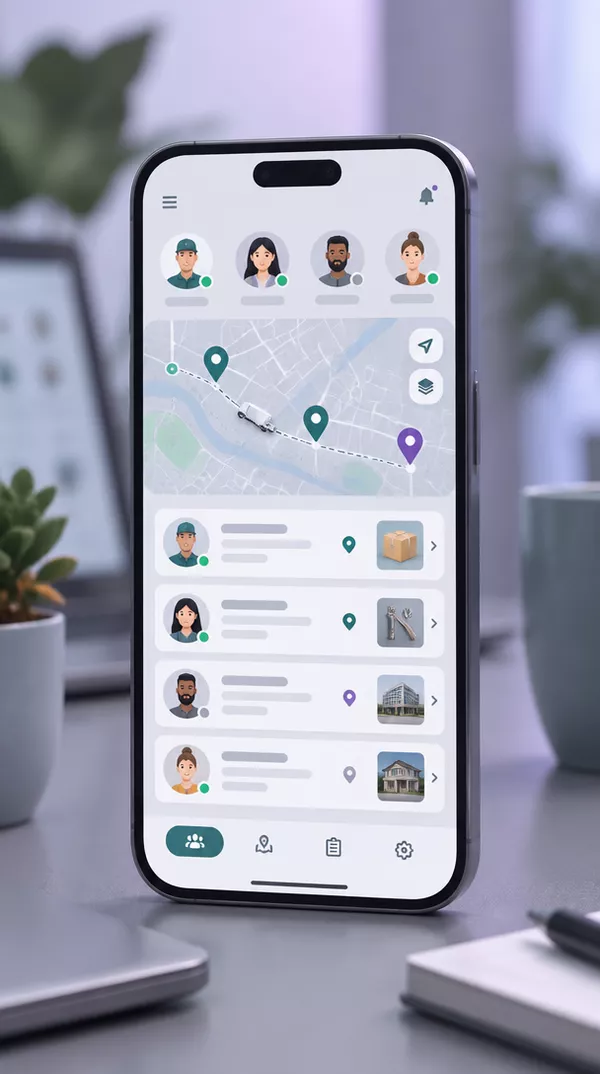
  • Individual logins with tailored permissions for technicians
  • Assign jobs and track progress throughout the day
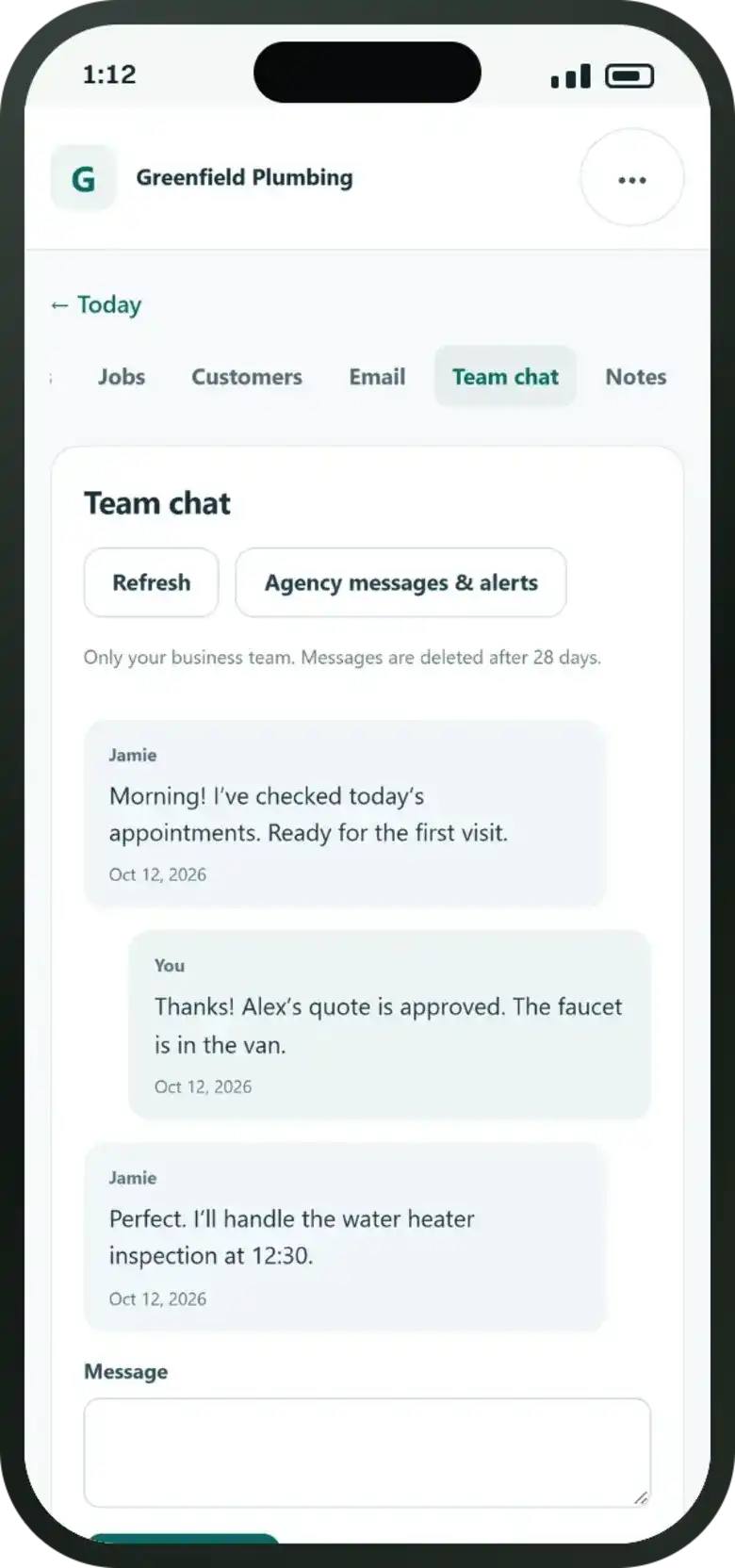
  • Dedicated internal team chat kept separate from client channels
Town Thrive mobile app team screen showing staff task allocation, status badges, and dispatch communication.
Messages

A direct line to us.

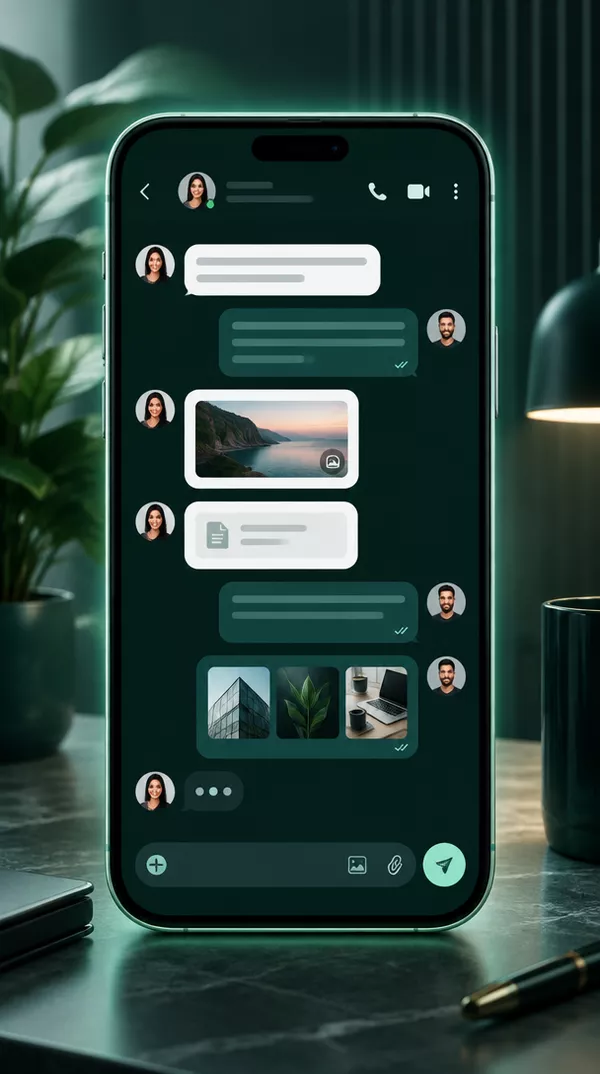
  • Message our Town Thrive marketing team any time from anywhere
  • Instant push alerts when we update your campaigns
  • Share job photos, files and ideas inside one clean thread
Town Thrive client app agency messaging screen showing direct communication with your dedicated account team.

All of it, with your name on it.

Every plan includes your client app. Start with your bespoke strategy and see what we build for you first.

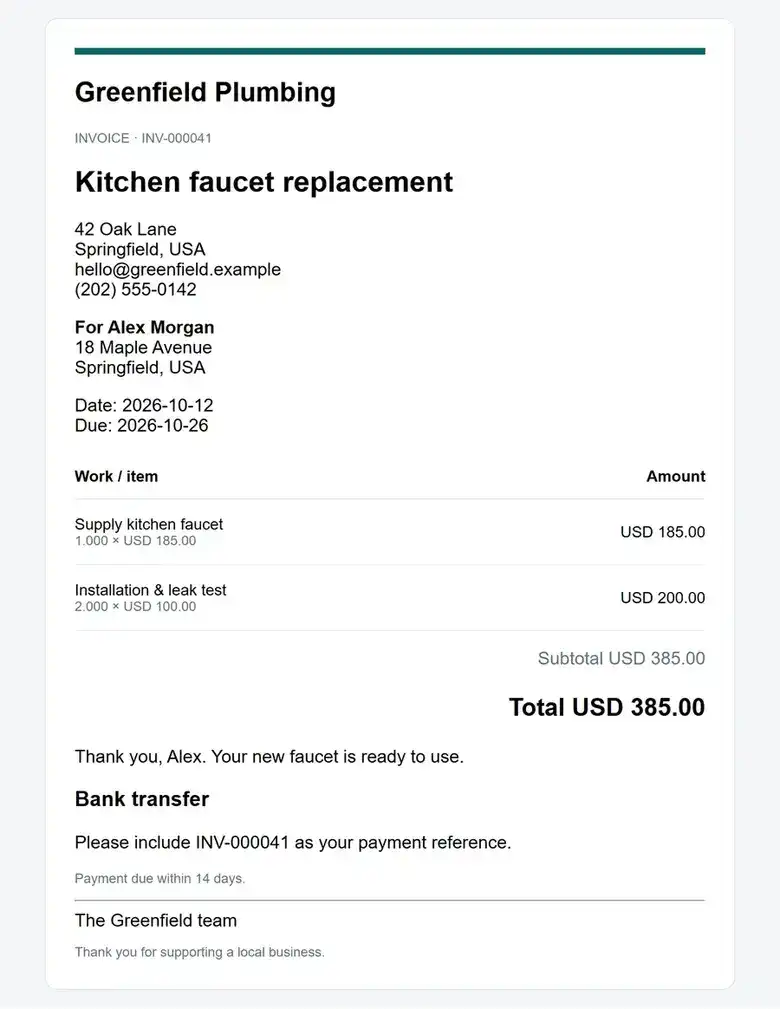
Cleanly formatted professional trade invoice template layout shown in the Town Thrive client app, displaying job itemisation and payment details.

Sample trade business document

Looking the part

You add the job details.It goes out looking like an established trade business.

  • 1Professional quotes and invoices.Numbered, clearly itemised and laid out for your trade, complete with your terms and payment details.
  • 2Automated follow-ups and reminders.Send quotes with hands-free follow-up messages and payment reminders so you never have to chase.
  • 3Track every status in your app.See delivered, opened, accepted and paid updates right on your phone so you know exactly who to schedule.

Client app included

Your bookings and teamin one place.

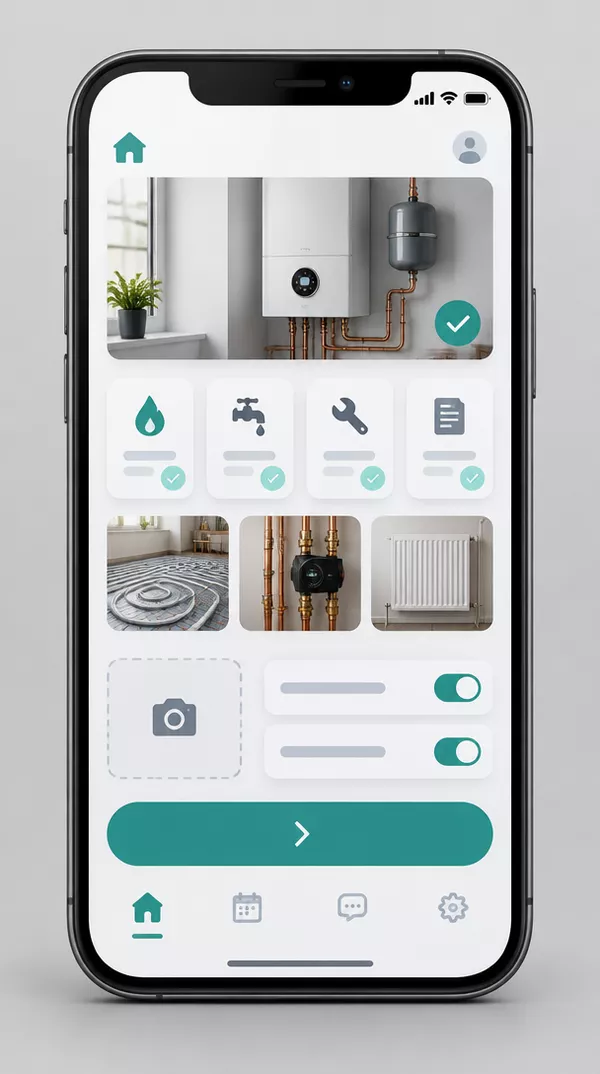
Every client receives their own mobile app. Track booked jobs and enquiries, review live AI conversations, send quotes, and keep your schedule moving without missing a beat.

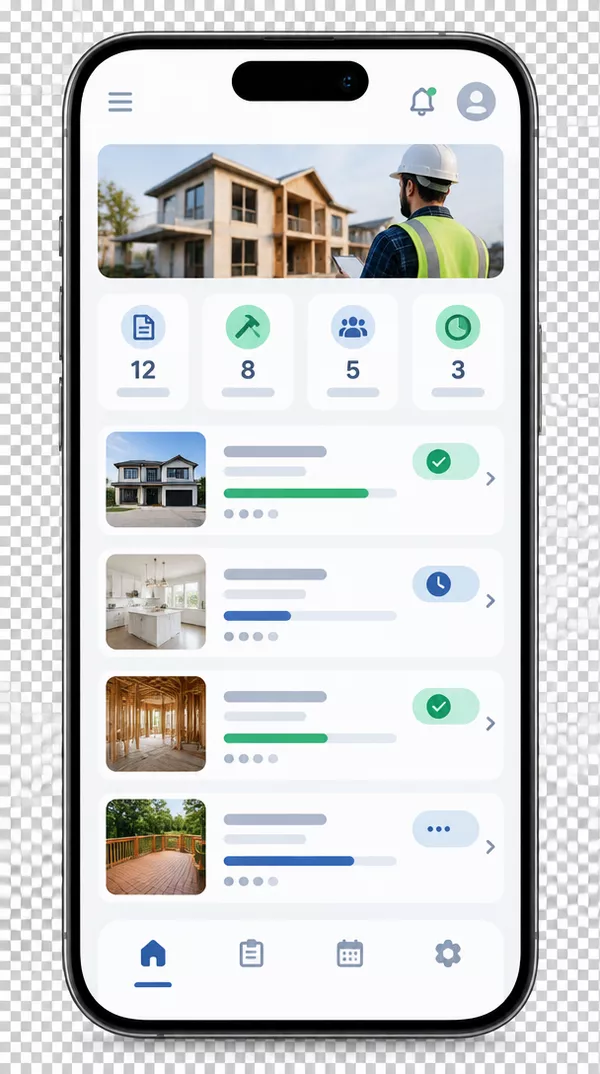
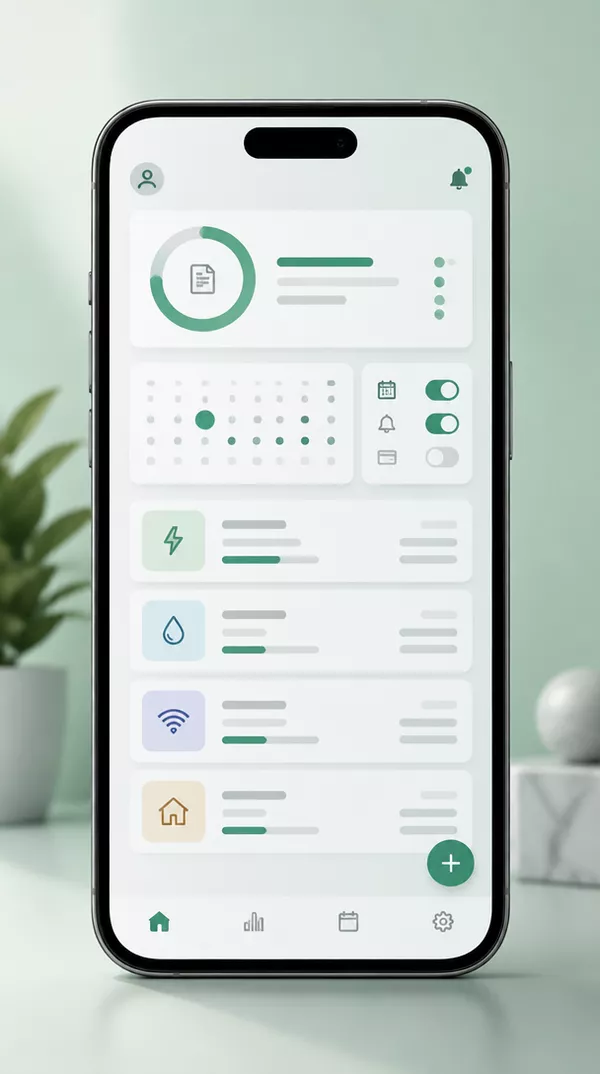
Smartphone displaying the Town Thrive client app schedule and booked jobs interface.Smartphone showing the Town Thrive client app team messaging and notification screen.

Town Thrive client app preview

Your client app

Ten minutes once.Useful every day.

We set everything up for your business. You simply open your invite and take control.

  1. 01

    Open your invite.

    We send a private link straight to your phone and email.

  2. 02

    Add it to your home screen.

    A couple of taps and your Town Thrive app opens just like any native app.

  3. 03

    Connect your calendar.

    So appointments, quotes and updates sync seamlessly with your working day.

  4. 04

    Turn on alerts.

    Receive instant notifications the moment a new booking, enquiry or call arrives.

It installs straight from a link. On iPhone, open it in Safari, tap Share, then Add to Home Screen. On Android, open it in Chrome and tap Install app.

FAQ

Questions aboutyour client app.

Something else on your mind? Ask us directly. A real person replies.

Is the app extra?

No. Your dedicated client app is included with every Town Thrive plan at no extra charge.

What can I do inside the app?

You can see your bookings and enquiries, read every AI chat, email and call conversation, connect your calendar, send quotes and invoices, approve social posts and message our team.

How do I get it on my phone?

We send you a link. You add it to your home screen in a few taps, and it opens like any other app on iPhone, Android and your computer.

Do I get notified when a booking comes in?

Yes. You receive instant notifications for new bookings and enquiries, so you always know as soon as an enquiry or job is booked.

How do quotes and invoices work?

You can send quotes with automatic follow-ups and issue invoices with reminders, helping you turn enquiries into paid work without the chase.

Can my team use it?

Yes. Team members can have their own access, and you choose exactly what they can see and manage.

Free preview · No card · No contract

Let’s make youthe obvious choice.

Every plan comes with your own client app. Try before you pay with a tailored preview built specifically for your local trade or service business.

  • Usually ready in a few days
  • Built for your business, not a generic template
  • Handled by one dedicated UK team
What should we build first?

We only use your details to build your preview and reply to you. See our privacy policy.